 Public beta · web, iPhone, Android & desktop
Your Break. Your People.
Your Mingle.
BreakMingle gives you new ways to meet, chat, and hang out during your downtime — whether people are nearby or online.
Choose how to use BreakMingle
Free during the public beta.
Open the app in Safari on your iPhone or iPad.
Use on iPhoneAdd to your Home Screen
Open app.breakmingle.com in Safari, tap Share, then Add to Home Screen. If available, turn on Open as Web App, then tap Add.
Opening BreakMingle from TikTok?
Home Screen installation may require opening the link in Safari on iPhone or Chrome on Android.
Take a break. See who’s around. Start mingling.
- Always Evolving — new features added regularly
- Blocking, reporting & approximate location only
- Runs in your browser — add to Home Screen
Inside the app
Mingle NowNEW
See who’s available right now. Browse profiles, choose Mingle or Skip, and connect when the interest is mutual. You decide who you want to meet.
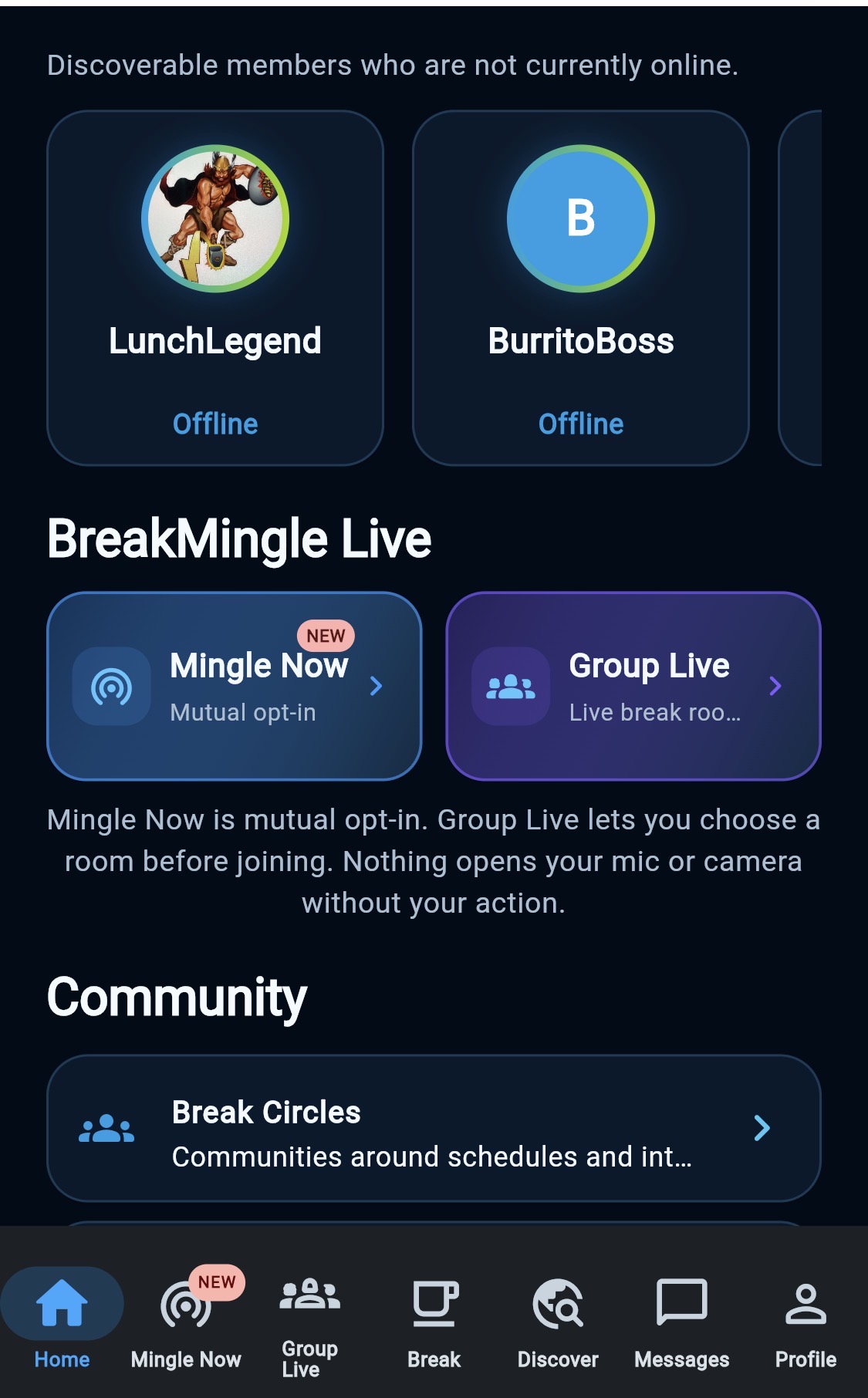
Mingle NowNEW
See who’s available right now. Browse profiles, choose Mingle or Skip, and connect when the interest is mutual. You decide who you want to meet.
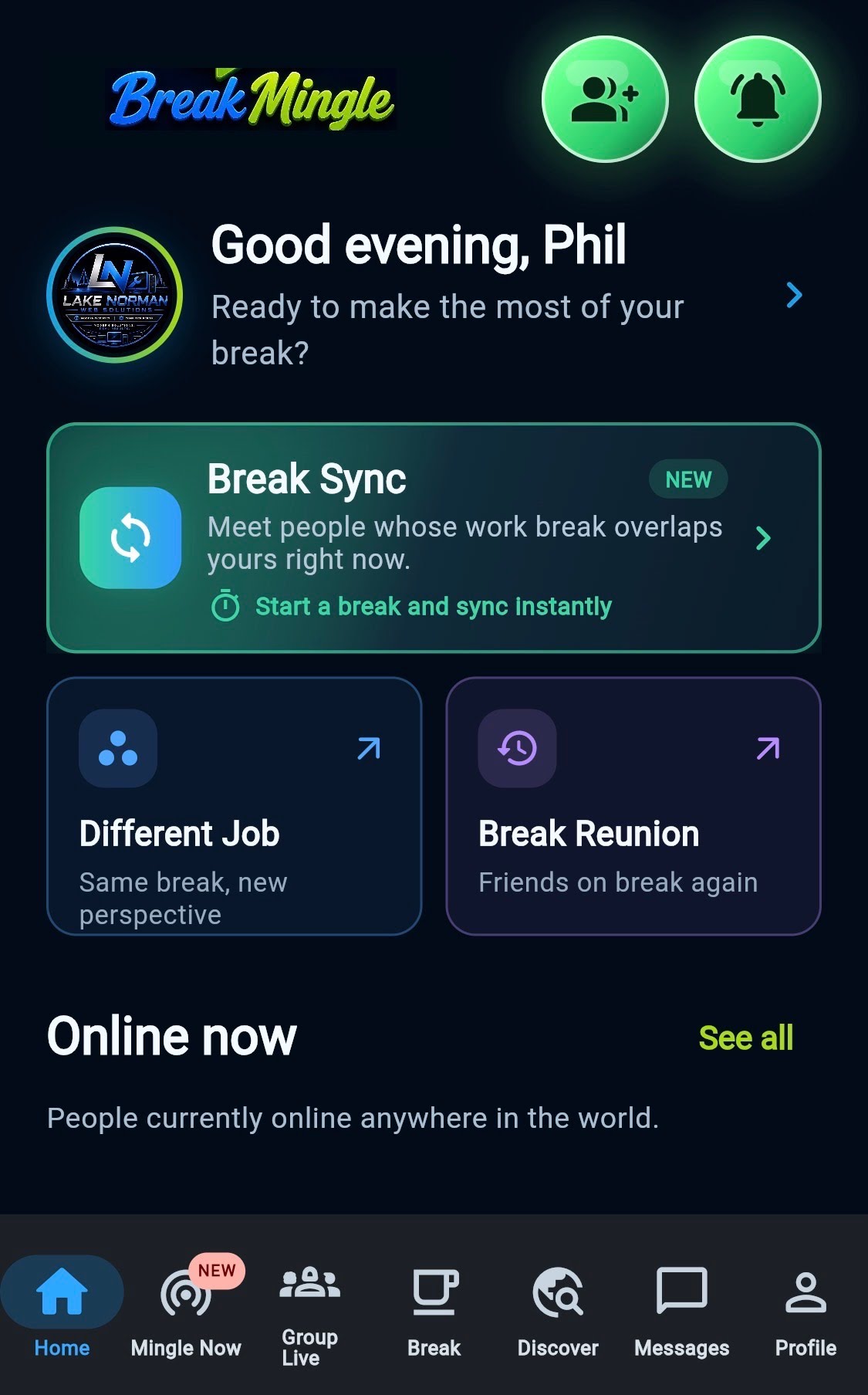
Break Sync
Find people whose breaks line up with yours and make your downtime more social.
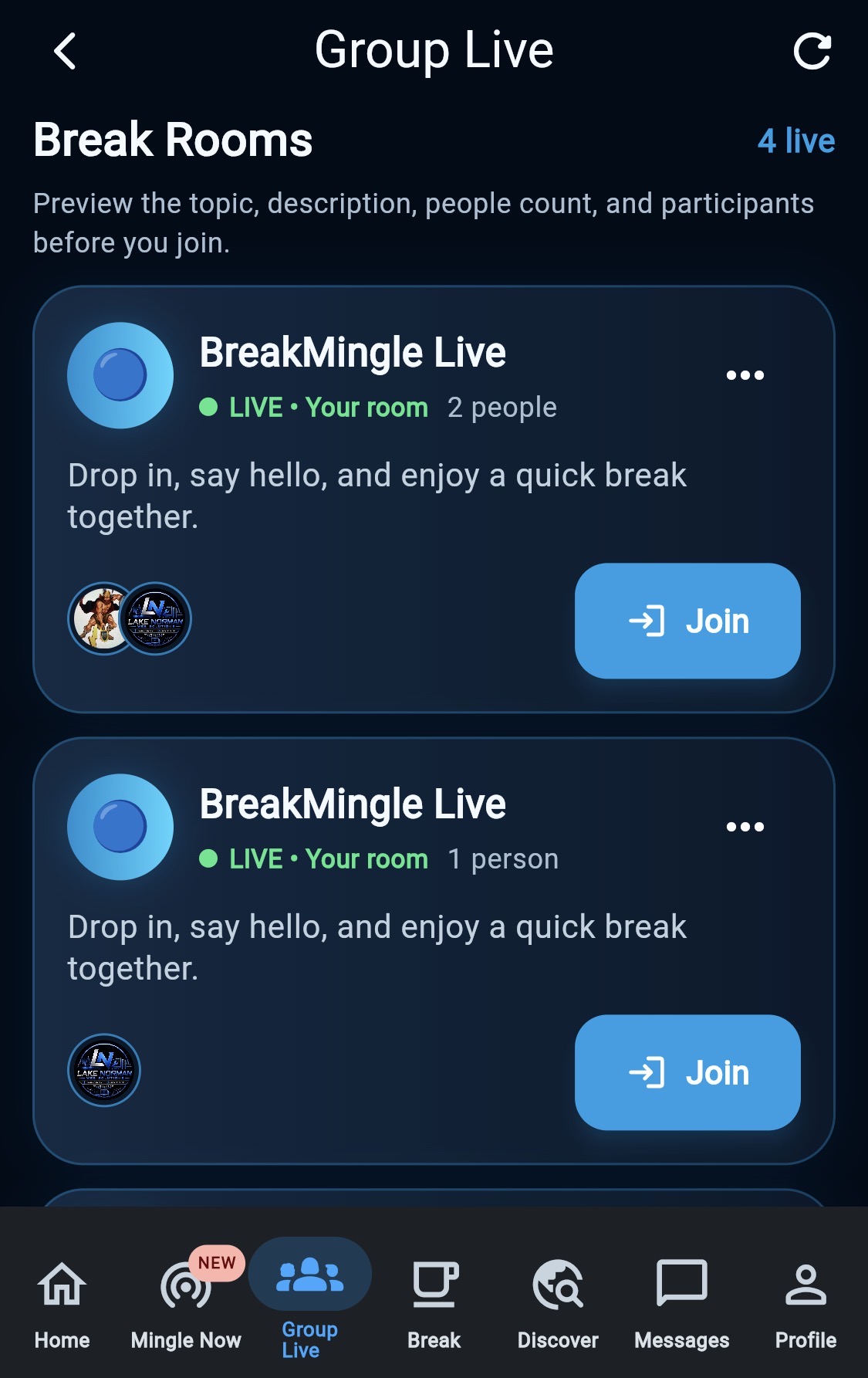
Group LiveLIVE
Jump into live Break Rooms and connect your way — video, audio, or text chat.
- Lunch Crew
- Coffee Break
- Construction Crew
- Night Shift
- More
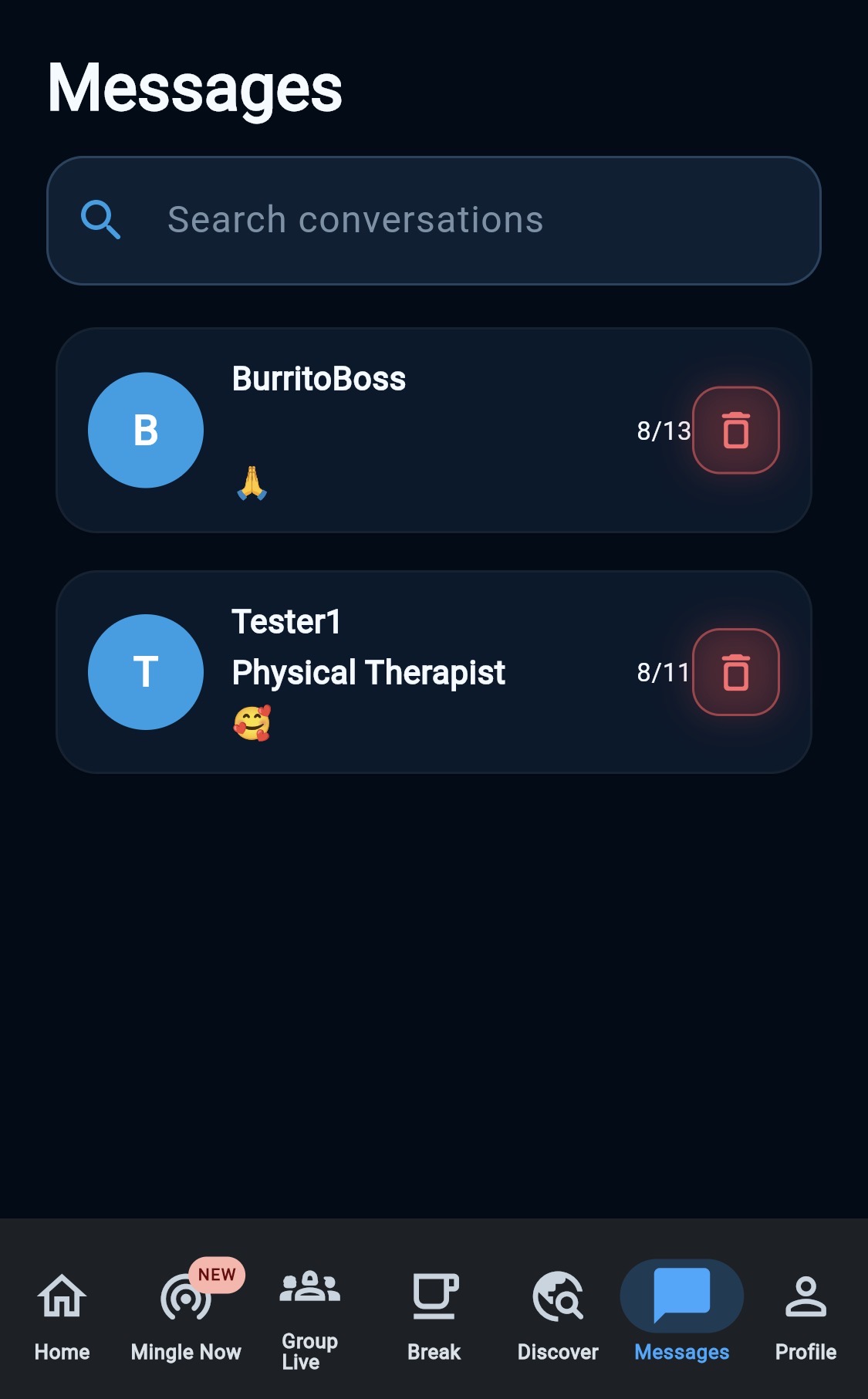
Mingle & Messaging
Discover people, make connections, message, and turn a quick break into an actual conversation.
Swipe to explore →
Ready for your next break?
Open BreakMingle in your browser and find someone to talk to. Beta feedback welcome any time.
Send FeedbackChoose how to use BreakMingle
Free during the public beta.
Open the app in Safari on your iPhone or iPad.
Use on iPhoneAdd to your Home Screen
Open app.breakmingle.com in Safari, tap Share, then Add to Home Screen. If available, turn on Open as Web App, then tap Add.
Opening BreakMingle from TikTok?
Home Screen installation may require opening the link in Safari on iPhone or Chrome on Android.